2023 ROW’D ROYALTY WORKOUT #1 Row 6 intervals of 250 meters with a 45 second rest after each row, then row 1500 meters for time.
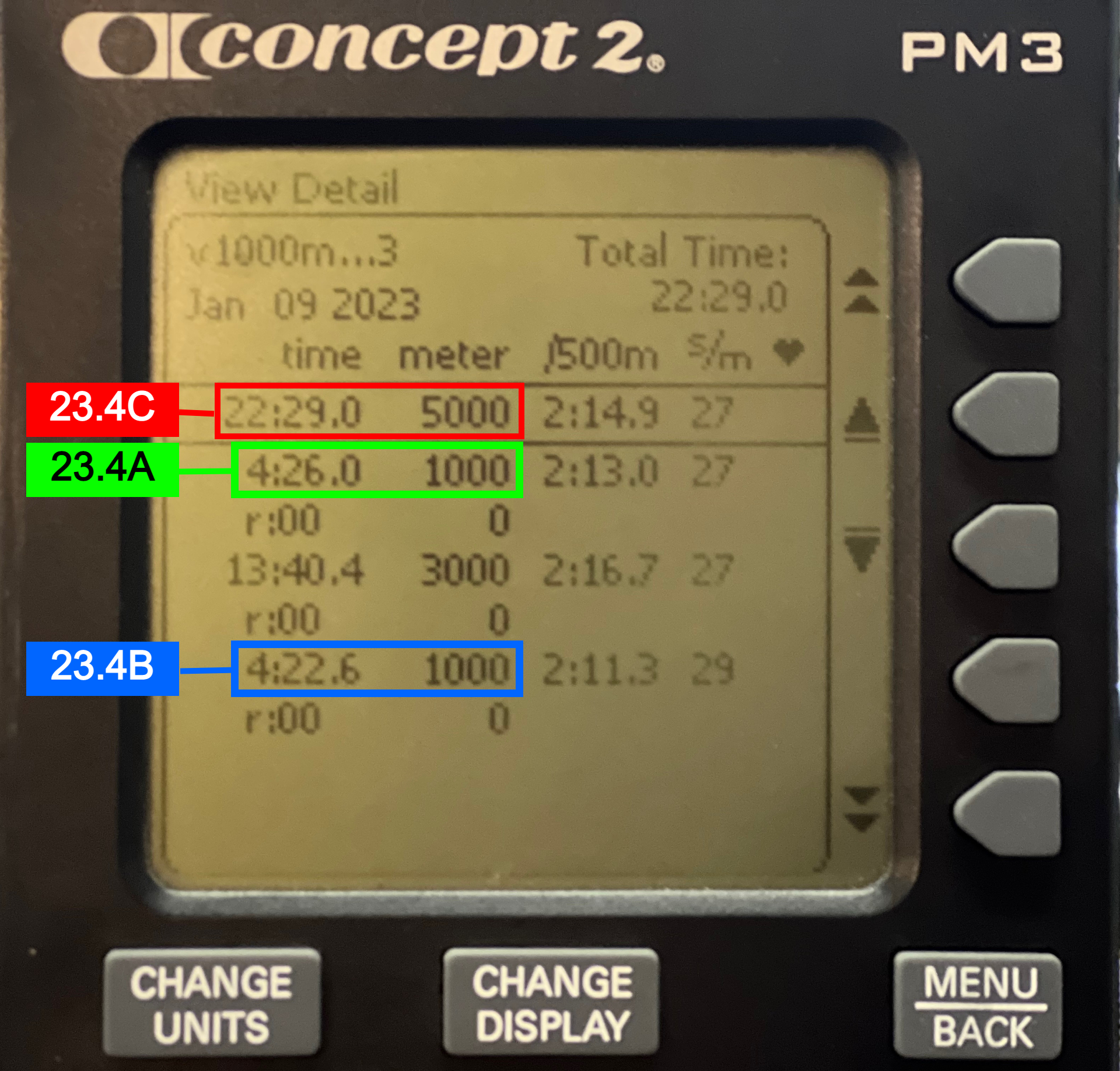
Score 23.1 A: Fastest 250 meter row time Score 23.1 B: Total time for all intervals and rest plus the 1500 meter row.
Monitor Instructions
* YOU MUST USE “INTERVALS VARIABLE” FOR THIS WORKOUT! *
STEP 1: “Select Workout” • “New Workout” • “Intervals” • “Intervals Variable”
STEP 2: Choose – “Distance”
STEP 3: Edit Meters to “250”. Set Rest at “00:45” Double check!! Then, press the check box.
STEP 4: Intervals 2-6 – Choose “Distance” – Distance & Rest should be preloaded. Press the check box and repeat until interval 6 is done.
STEP 5: Interval 7 – Choose “Distance”. Set Distance to 1500m. IMPORTANT: SET REST TO 00:00!!
STEP 6: Select – “NO MORE INTERVALS”
SCORE SUBMISSION INSTRUCTIONS
Use “Memory” function on your C2 erg. Go to the date of the row. Select the completed workout. Scroll to the fastest 250m time. Take a picture of the screen. Submit your fastest 250m time (pay attention to the 00h:00m:00s ) Submit your TOTAL TIME (Including rest!! – Upper right corner of monitor) VIDEO
2023 ROW’D ROYALTY WORKOUT #2 “FUBAR”
800m For Time Maximum Distance in 6-minutes REST 4-minutes Maximum Distance in 9-minutes 400m For Time
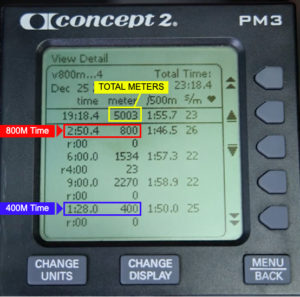
SCORES (See Monitor Pic Below)
800M TIME TOTAL METERS 400m TIME MONITOR INSTRUCTIONS
There are 4 total intervals:
Distance Time + Rest Time Distance
Please be careful setting these up!
Select Workout > New Workout > Intervals Variable Interval 1 > “DISTANCE” > Enter “800m” > “0:00” Rest (no rest) > Checkbox Interval 2 > “TIME” > Enter “6:00” > “4:00” Rest (IMPORTANT!!) > Checkbox Interval 3 > “TIME” > Enter “9:00” > “0:00” Rest (no rest) > Checkbox Interval 4 > “DISTANCE” > Enter “400m” > “0:00” Rest > Checkbox Interval 5 > “No More Intervals”
SCORE SUBMISSION INSTRUCTIONS
Use “Memory” function on your C2 erg. Go to the date of the row. Select the completed workout. Submit 800M Time Submit Total Meters Rowed Submit 400M Time SCORES MUST BE SUBMITTED BY MONDAY, JAN 23 AT 5PM PT!!
VIDEO
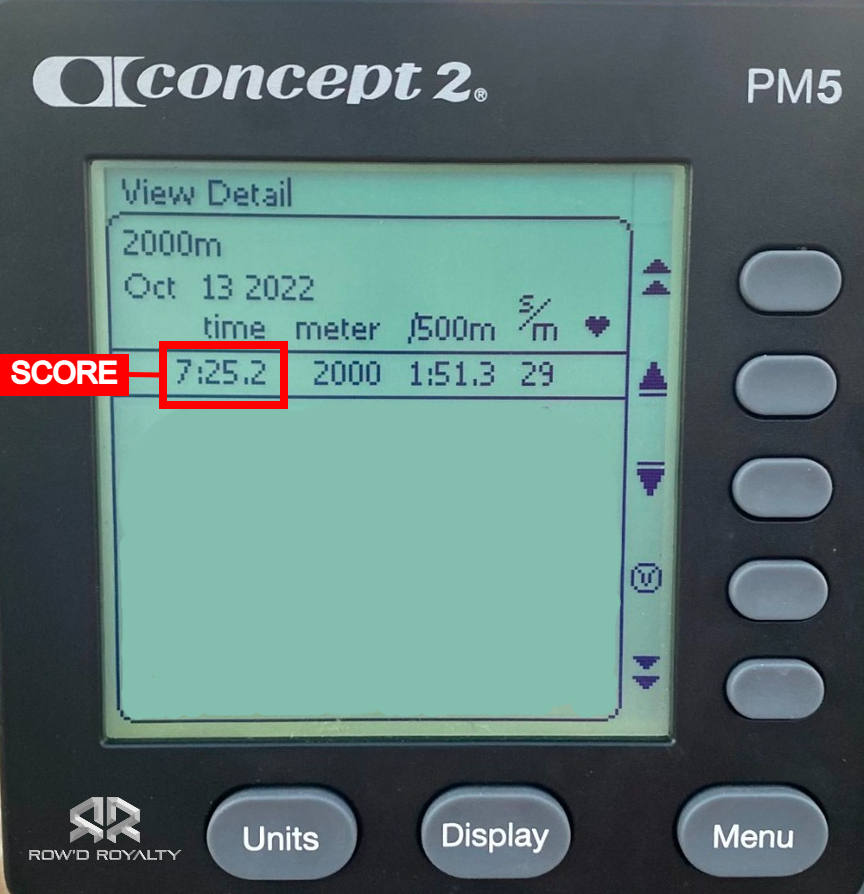
Row 2000 Meters For Time
You may use the “Standard List” > “2000m Row”, or program your monitor: “New Workout” > “Distance”
Please submit a picture of your monitor results using the “Memory” function.
VIDEO INSTRUCTIONS
VIDEO